Turn your track into a music visualizer video
Drop in a song, pick from 21 reactive styles, and export a 4K video for YouTube, Shorts, Reels or Spotify Canvas. It all runs in your browser — no account, no upload, no watermark.
- 21
- visualizer styles
- 4K
- export at 60fps
- 0
- watermarks, ever
- 0 MB
- uploaded to a server
Three steps, about two minutes
No timeline, no keyframes, no render farm. Load, tune, export.
Drop in your track
MP3, WAV, FLAC or M4A. It is decoded and analysed on your machine in a few seconds — nothing is uploaded, so unreleased material stays private.
Pick a style and tune it
Choose from 21 reactive styles, then adjust colour, amplitude, smoothing, glow and layout while the preview plays back live.
Export a finished video
Render an MP4 up to 4K at 60fps, in 16:9, 9:16 or 1:1. Frame-accurate, watermark-free and ready to upload.
Real exports, not mockups
Every frame in these videos was rendered in a browser and exported without a watermark. Nothing was touched up afterwards.
Made something with Vizqon? We would like to see it.
21 visualizer styles, all free
From a clean spectrum analyser to a 3D flight down a tunnel sculpted by your track. Every one is fully adjustable.
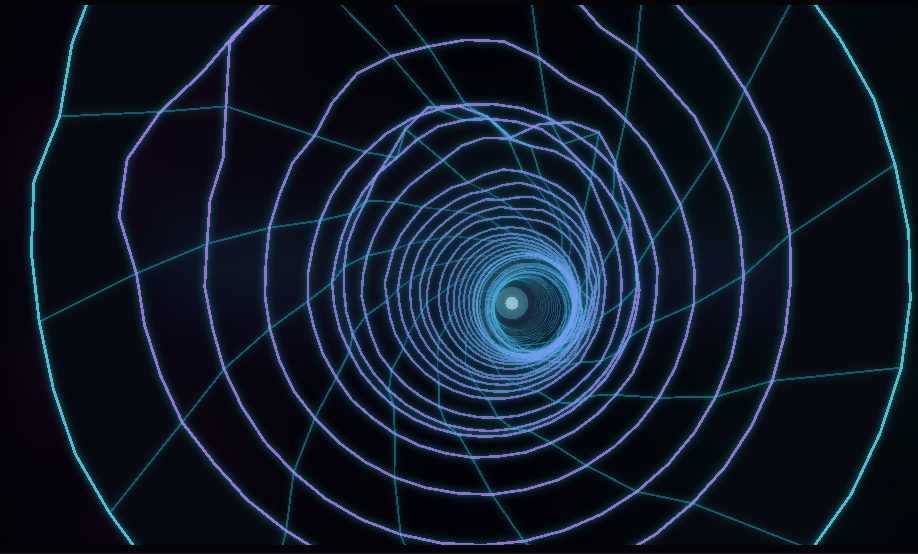
Neon Tunnel
Fly down a tunnel carved by your track
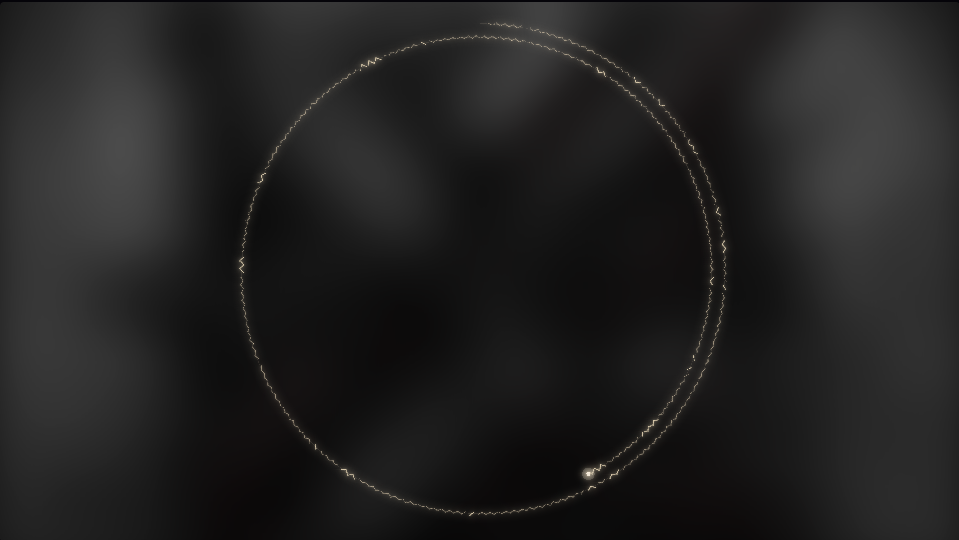
Spiral Print
The whole song printed as one spiral
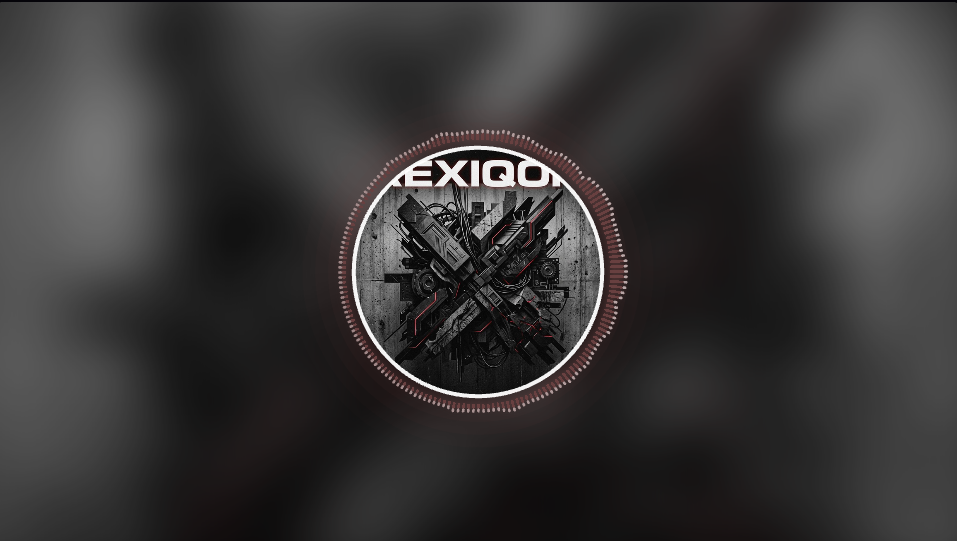
Logo Bar Ring
Cover art ringed by a corona of bars
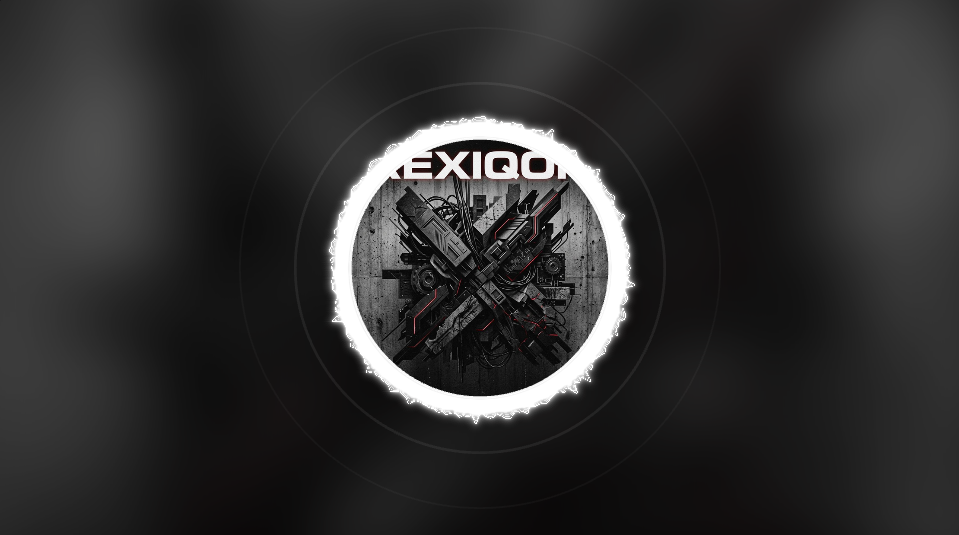
Logo Wave Ring
A wavy neon ring around your artwork
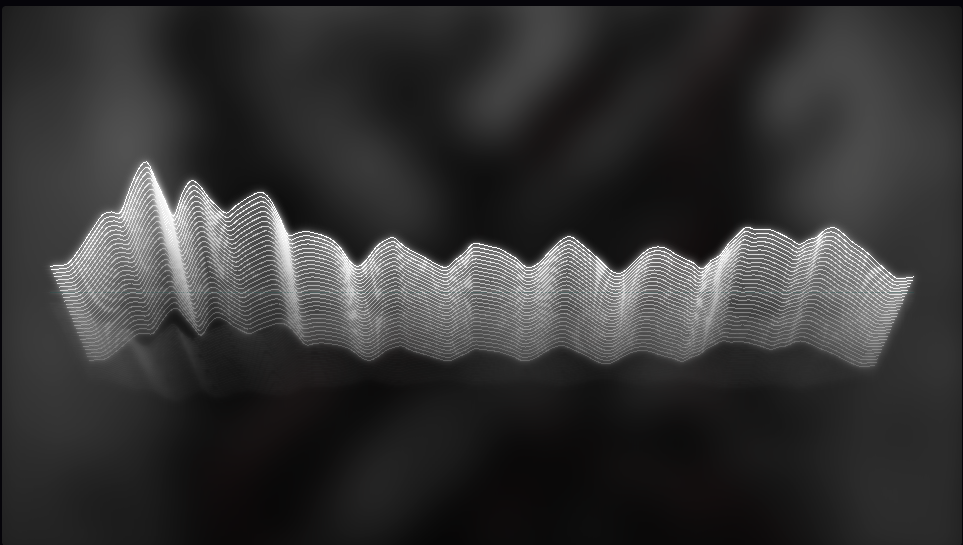
Wireframe Terrain
A retro mountain range of frequencies
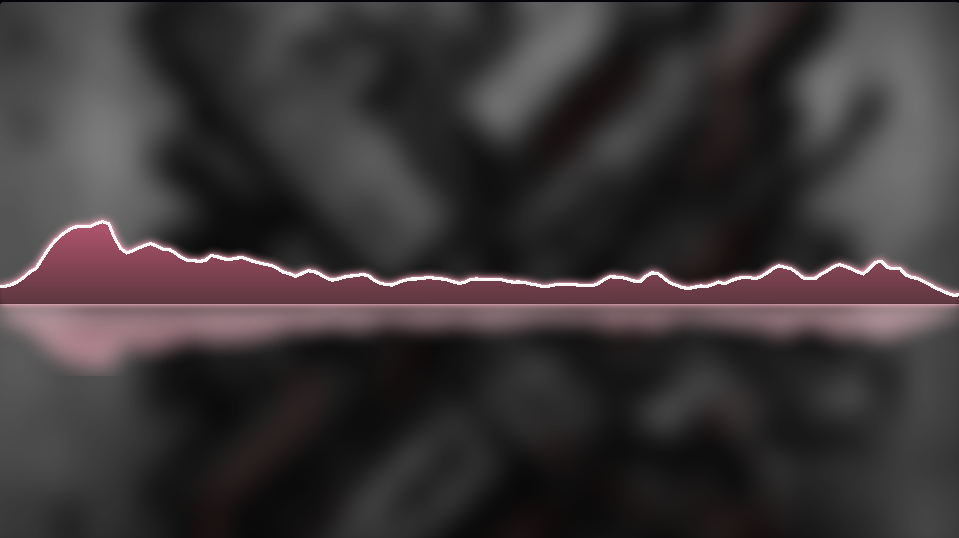
Neon Peak Reflection
Gradient peaks over a mirrored pool
Built for people who actually ship videos
The things that get in the way of finishing a visualizer — queues, watermarks, upload limits, paywalled resolutions — are simply not here.
Your audio never leaves the device
Decoding, analysis and rendering all happen in your browser. There is no upload step, so there is no leak risk on an unreleased track and no file size limit.
No watermark, no signup
Every style and every resolution is available immediately. No trial, no email capture, no logo burned into the corner of your export.
Frame-accurate rendering
Exports are drawn frame by frame from the analysed audio rather than screen-recorded, so nothing stutters and nothing drifts out of sync on long tracks.
Real 3D, not just bars
Neon Tunnel and Plexus Network use genuine perspective projection with depth, occlusion and fog — the parallax is real, not a scaling trick.
Cover art, video loops and titles
Add artwork or a looping video, plus a track title, artist and third line, with pulse, blur and Ken Burns motion built in.
Every parameter is yours
Bar counts, smoothing, reactivity, gradients, glow radius, rotation, peak-cap gravity. Save a look as a preset and reuse it across a whole release.
Made for the platform you are uploading to
Each one has its own aspect ratio, safe area and habits. Start from the page that matches yours.
YouTube music visualizer
Upload a track, pick a look, export a 4K video ready for YouTube.
Learn moreFree music visualizer, no watermark
No account, no trial, no logo burned into the corner of your video.
Learn moreSpotify Canvas maker
Short, vertical, looping visuals built from your own track.
Learn moreMusic visualizer for Shorts, Reels and TikTok
Vertical 9:16 visuals that survive the crop.
Learn moreAudio visualizer
Any audio in, a finished reactive video out.
Learn moreWaveform video maker
Real waveform rendering, not a looping animation.
Learn moreFrequently asked questions
Is Vizqon really free?
Yes. Every visualizer style, every aspect ratio and every resolution up to 4K is free, and no export carries a watermark. Rendering happens on your computer rather than our servers, which is what makes that sustainable.
Do I need to create an account?
No. Open the studio and start. There is no signup, no email capture and no credit card.
Is my music uploaded anywhere?
No. The file is read locally, decoded by your browser and rendered with WebGL. It never crosses the network, which matters if you are working on an unreleased track.
What file formats can I use?
Any audio your browser can decode — MP3, WAV, M4A, AAC, OGG and FLAC. Cover art can be JPG, PNG or WebP, and you can use a looping video instead of a still image.
What does it export?
MP4 (H.264) or WebM, at 720p through 4K, at 30 or 60fps, in 16:9, 9:16 or 1:1. The file is written to disk as it renders, so long tracks do not exhaust memory.
Which browser works best?
Chrome, Edge, Brave or any recent Chromium browser gives the fastest exports because of hardware-accelerated WebCodecs. Firefox and Safari can preview, with slower export.
Can I use the videos commercially?
Yes. You own everything you export, including monetised uploads. You are responsible for holding the rights to the music and artwork you put in.
Is this an AI music video generator?
No, and that is deliberate. AI tools invent footage that is loosely timed to a song. Vizqon draws your actual audio, so the same track always produces the same video and every movement on screen corresponds to something in the waveform.
Ready to see your track?
Drop in an audio file and the preview starts moving immediately. No account, no upload, no watermark.